Rental vehicle condition evidence
Know which damage
was already there.
Guided photos all around the car at hand-over and at return. AUTRACK locks the first set as evidence, lets the customer verify it by QR, compares the photos when the car comes back — and leaves every chargeable decision to a person.
The return-day argument
“That scratch was already there.”
Photos scattered across staff phones, shot from different angles, with no trustworthy timeline and never shown to the customer. When a dispute starts, nobody can prove anything.
Gaps in the photos
The spot nobody photographed is where the dispute lands.
Editable evidence
Unlocked photos invite the question: was this changed?
Judgement calls
No record of who decided what, or when.
01 · Guided capture
Complete photos, the same way every time.
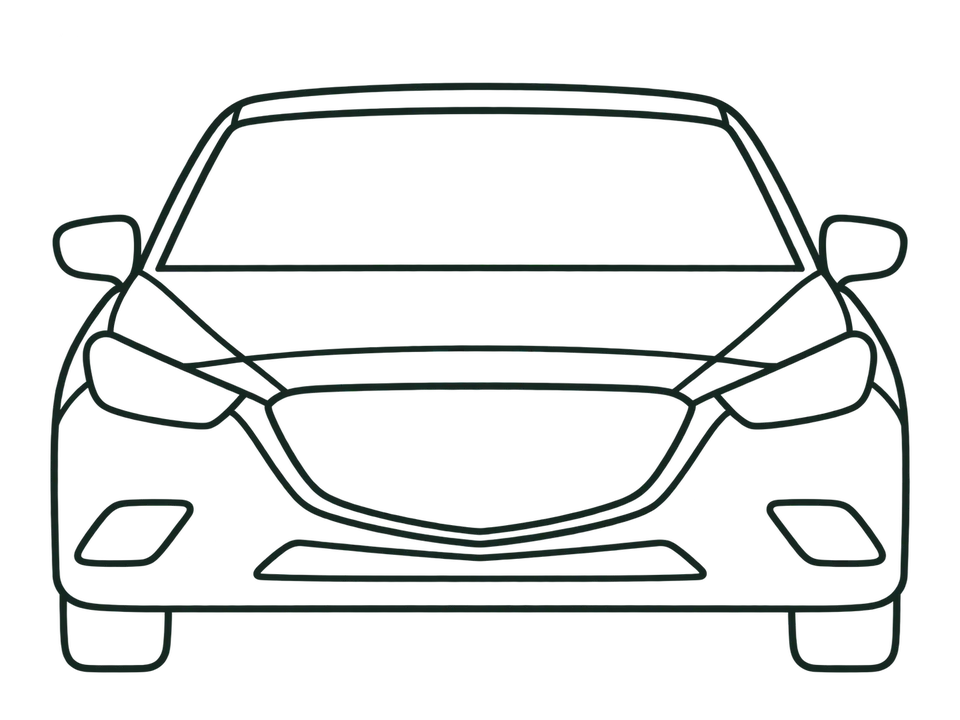
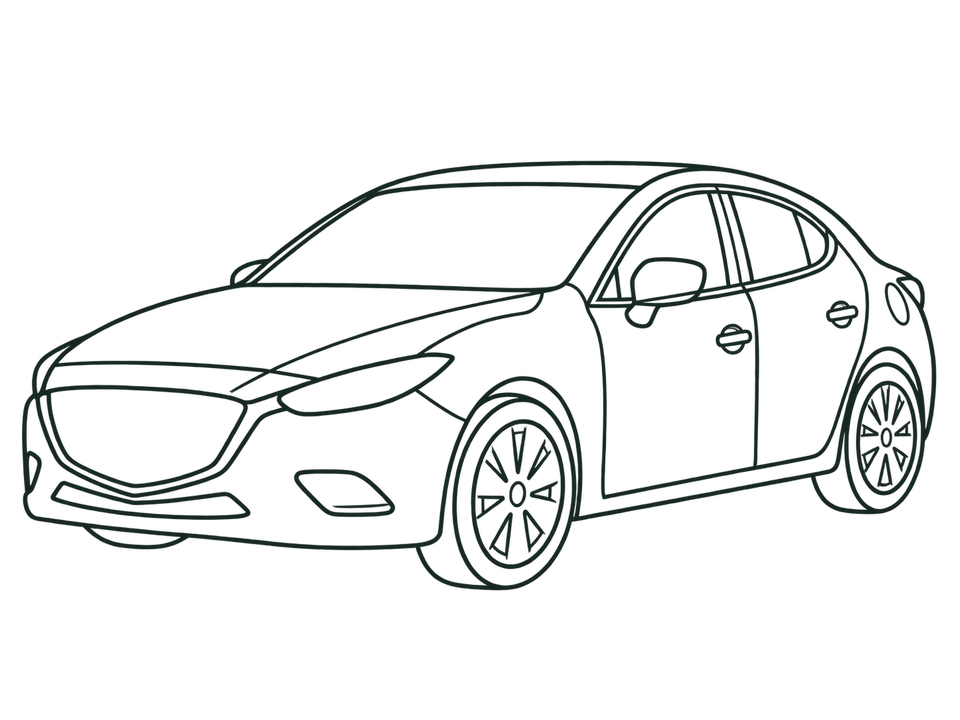
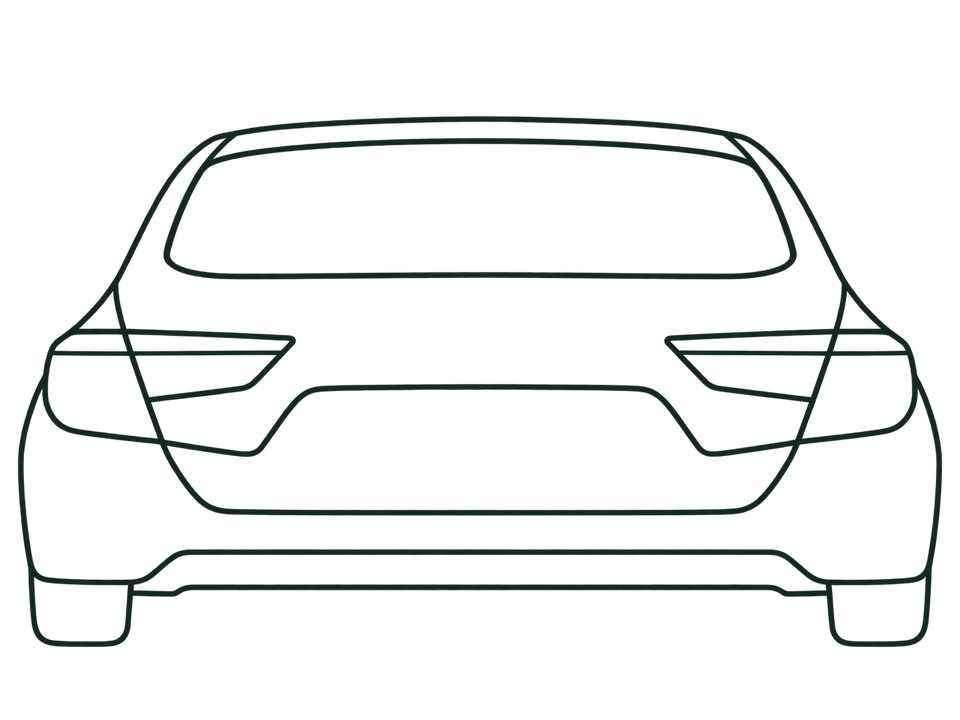
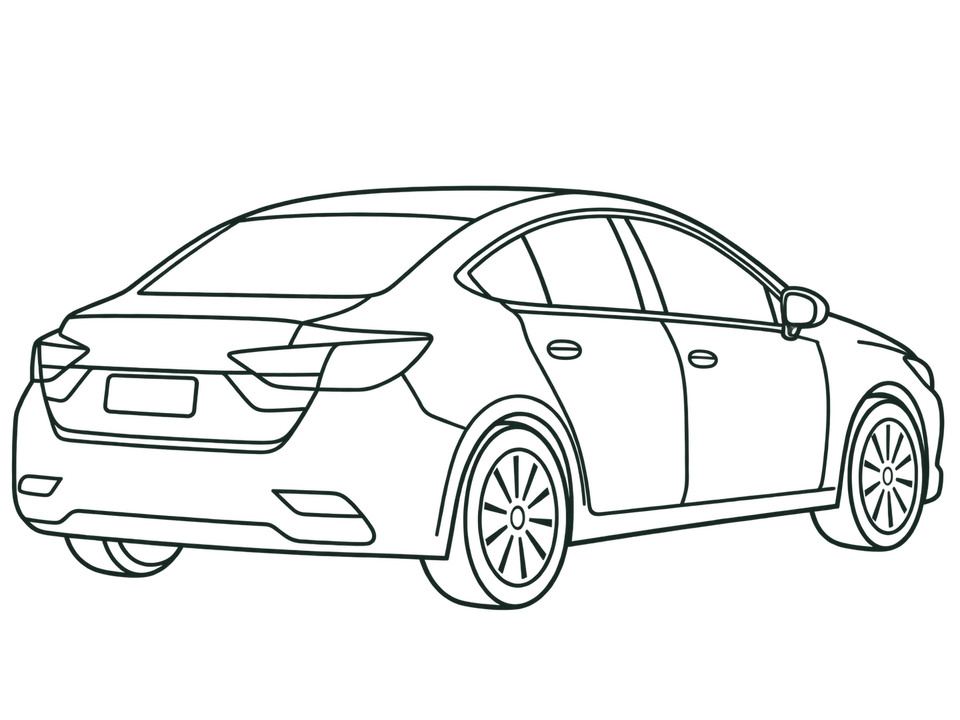
The app walks staff around the car shot by shot, so nobody has to remember what to take.
- On-screen guide
- Every photo checked
- Works offline
02 · Locked baseline, verified by QR
The customer sees exactly what you saw.
Once the photos are complete, the hand-over set is locked and can't be edited. A PDF report and a QR code are issued; the customer scans it and sees the condition right away — no app to install.
- Hand-over photos locked against later edits
- Time-stamped PDF condition report
- Customer views it in the browser, no install
03 · Compare on return
Before and after, side by side.
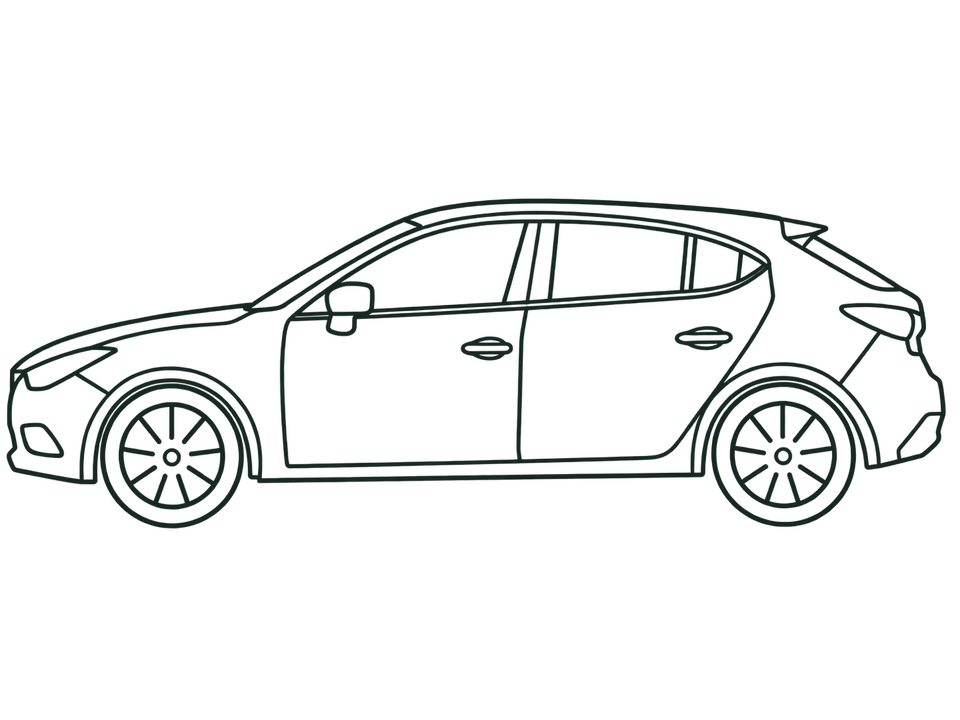
On return, staff shoot the same set with the hand-over photo as a faint guide. Before and after are lined up and areas of possible new damage are marked.
Drag to compare
04 · AI proposes. People decide.
No charge ever rests on an AI call alone.
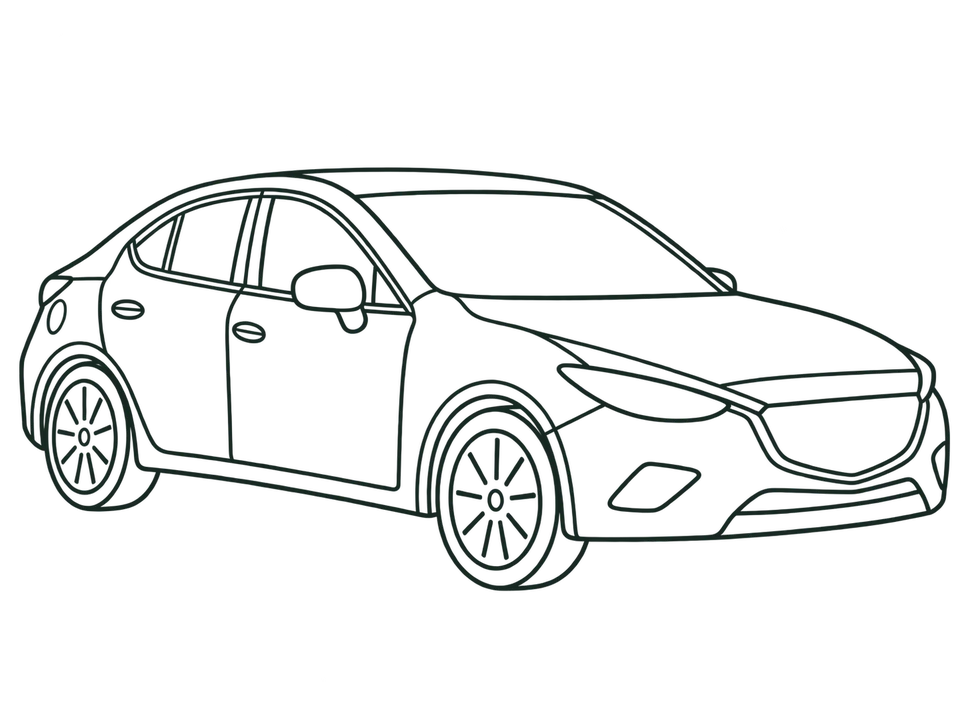
Every finding that could lead to a charge needs a reviewer to confirm it, reject it or ask for a retake. Each decision is recorded, and the final report is built from those decisions.
AI flags possible damage
A box marks possible damage on the photo.
A reviewer decides
Confirm · Reject · Request retake
Final report issued
Shared with the customer only once every finding is decided.
Final report
Who uses AUTRACK
Everyone sees only their part of the job.
Counter staff
Android app
Start the rental, take the photos at hand-over and return, show the customer their QR.
Reviewer
App and console
Look at before and after, and decide every finding the AI proposes.
Customer
Web page via QR
See the car's condition at pick-up and get the report when it comes back.
Owner
Web console
Manage the fleet and staff, and follow every inspection.
05 · Provider console
Every car, every task, one screen.
Manage your fleet, follow every inspection, see the photos with their finding boxes and open the customer QR from the web — in Thai or English.
Built for the rental counter
Simple for staff. Strict about evidence.
Works offline
Capture with no network; photos queue safely until they can upload.
Evidence that can't be rewritten
Originals, decisions and reports are append-only. Corrections create new revisions.
Full audit trail
Every photo, decision, report and access is recorded.
Isolated per provider
Each provider's vehicles, evidence and reports are kept fully separate.
Thai and English
Across the app, the consoles and the reports.
Ghost overlay
The hand-over photo sits faintly over the camera so return photos line up.
How a rental flows
From hand-over to close, no gap in the evidence.
Hand-over
Guided photos around the car, locked as evidence.
Customer confirms
The customer scans the QR, sees the condition, and the rental starts.
Return
The same photos again, guided by the hand-over set.
Compare and decide
AI flags possible damage; a reviewer makes the call.
Close
The final report is issued and shared with the customer.
Ready to stop arguing about scratches?
AUTRACK is offered to rental providers on contract. We'll set up your workspace, fleet and staff with you.
Talk to usContact details coming soon